> ## Documentation Index
> Fetch the complete documentation index at: https://docs.transcribetube.com/llms.txt
> Use this file to discover all available pages before exploring further.
# Get your API key
> How to authenticate your requests to our API.
In order to use our API, you need to get your `api-key` first.
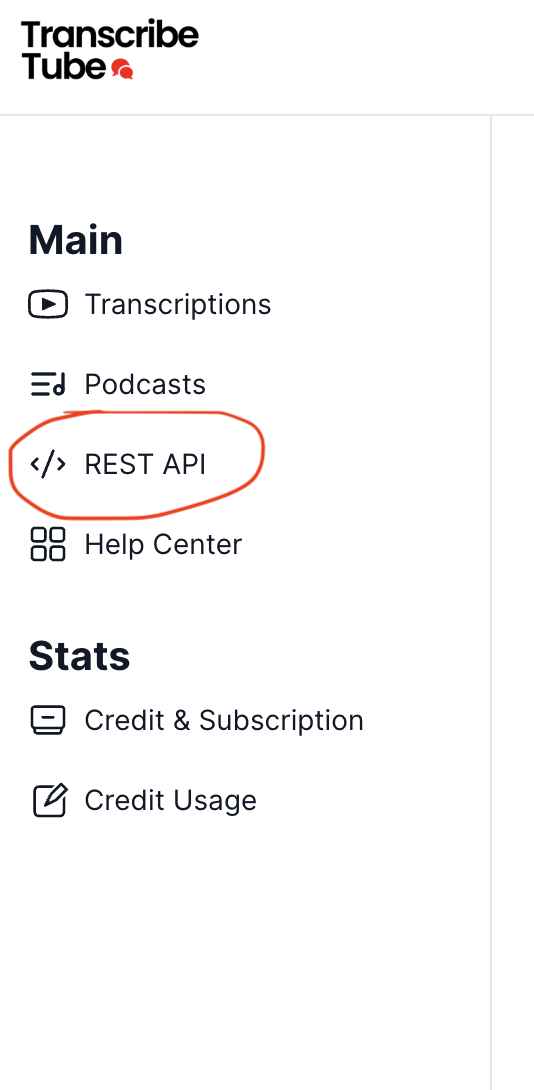
Create an account, log in and in the left menu click on the **REST API** link.
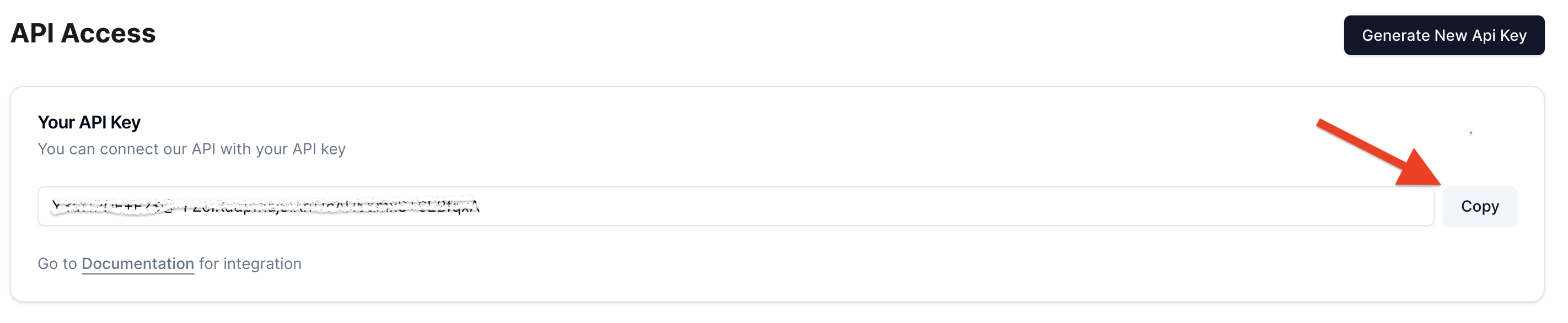
 Next, see on the `API Access` -> `Your API key` to find your `api-key`.
You can Copy your api-key via click `Copy` button
Next, see on the `API Access` -> `Your API key` to find your `api-key`.
You can Copy your api-key via click `Copy` button
 Start using api - [Transcribe Youtube View](/api-documentation/endpoint/post-apitranscribevideo)
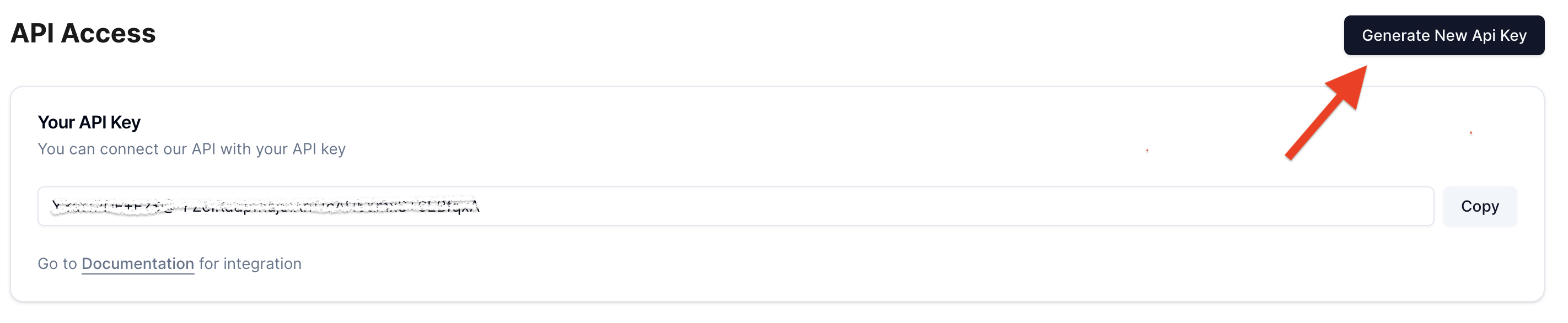
Do not show your `api-key` to anyone else. If someone gains the access ot your
`api-key`, they can use your credits as if they had your api-key. You can
click on the `Generate new API key` button to get a new one and invalidate the
old one for security reasons.
Start using api - [Transcribe Youtube View](/api-documentation/endpoint/post-apitranscribevideo)
Do not show your `api-key` to anyone else. If someone gains the access ot your
`api-key`, they can use your credits as if they had your api-key. You can
click on the `Generate new API key` button to get a new one and invalidate the
old one for security reasons.